










$250 on another challenge
A fresh account cannot fix an emotional routine. Chasing losses can turn another entry fee into another reset.
A new account. The same habits.Turn your gold-trading ambition into a connected routine.
AI signal review. Your rules. Execution inside MT5.
Powered by the OpenAI API. Independent software, not an official ChatGPT product.
We cover the API costs.
No separate API bill for you.
Watch an entry open, follow its profit or loss, and see it close. Switch to a news pause with one tap.
Scripted demo with synthetic prices, showing both wins and losses. Example P/L is before fees; these are not live results.
Three account types. One connected workflow.
Choose yours to explore the controls.
Give your evaluation a consistent routine. Choose your sizing, set your loss boundaries and keep important news windows in view.
Explore prop-mode controlsKeep your funded-account routine organized. Manage incoming signals, check existing gold exposure and match the controls to your account rules.
Discover your trading controlsBring AI signal review into your own MT5 terminal. Select the sizing that suits your plan and keep execution and monitoring in one place.
See how to get connectedExplore the settings above, then configure them in MT5. Use a supported gold account and check your broker or firm's software and trading rules.
Explore how a multi-timeframe research process can be organized. The current EA receives its setups from the licensed feed.
H4 sets the direction to consider. It does not trigger the entry.
Put your energy into your strategy. Let automation handle the repeatable steps.
A fresh account cannot fix an emotional routine. Chasing losses can turn another entry fee into another reset.
A new account. The same habits.Automate eligible entries and trade management around your settings. Less repetitive work. More room to focus on your plan.
One product. API service costs included.Same features with either payment method · $249 card / $149 crypto
Illustrative scenarios, not account results. The $250 challenge cost is an example.One profile. Clear controls. Tap the switch to explore.
Standard profile preview
Pause new entries at your chosen boundaries.
Standard settingsStep back around important market events.
Standard settingsKeep trade sizing within the rules you set.
Standard settingsCheck setup freshness and existing gold exposure.
Standard settingsConfigure these controls for your exact account rules. Firm names are reference examples.
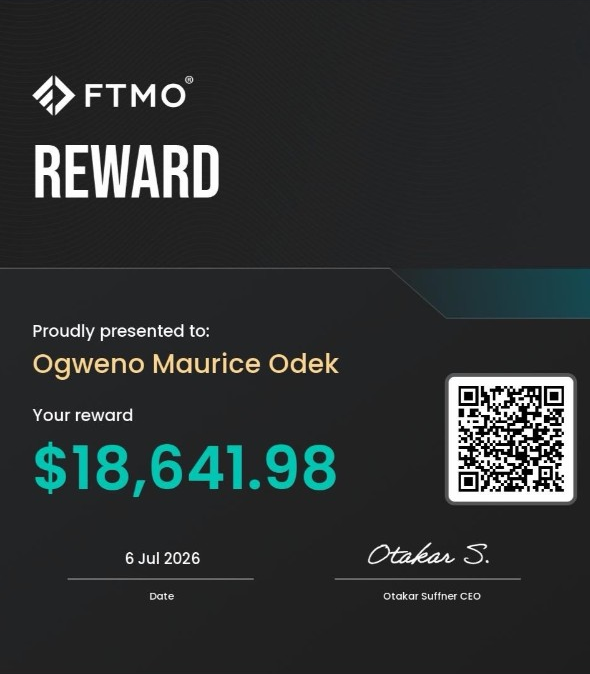
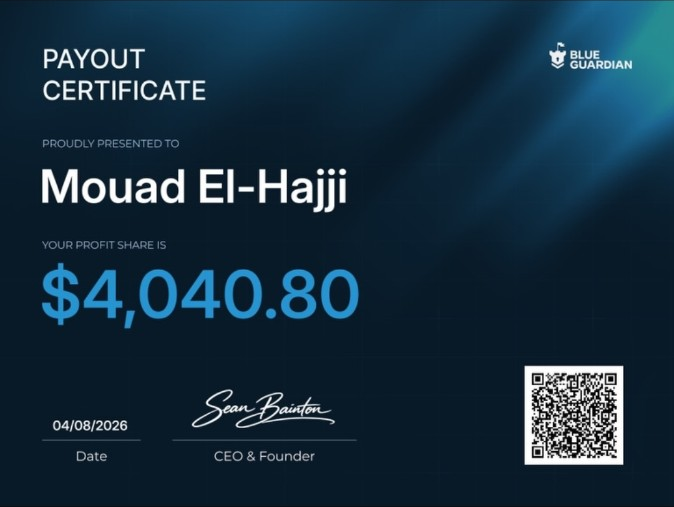
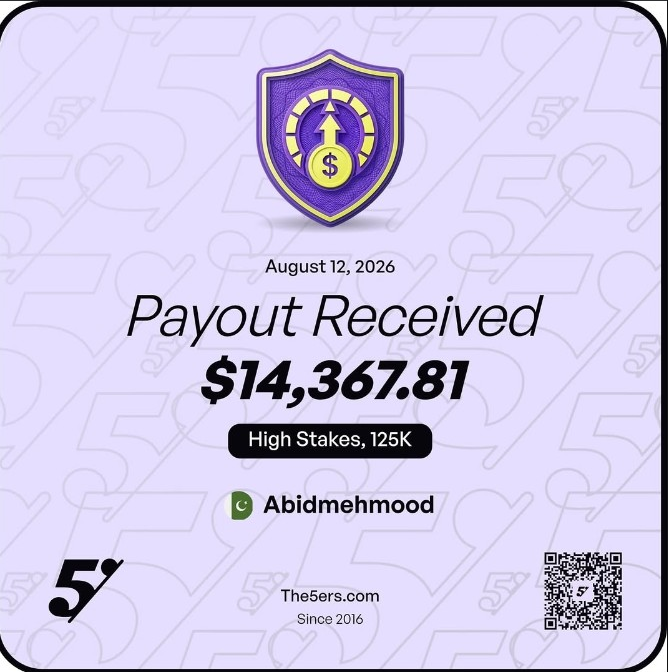
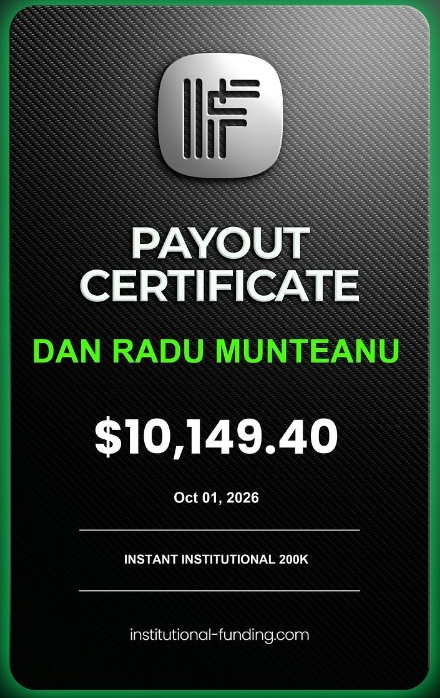
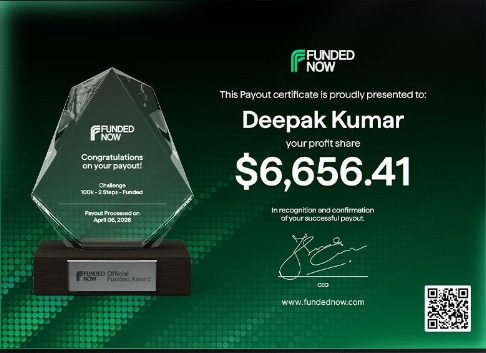
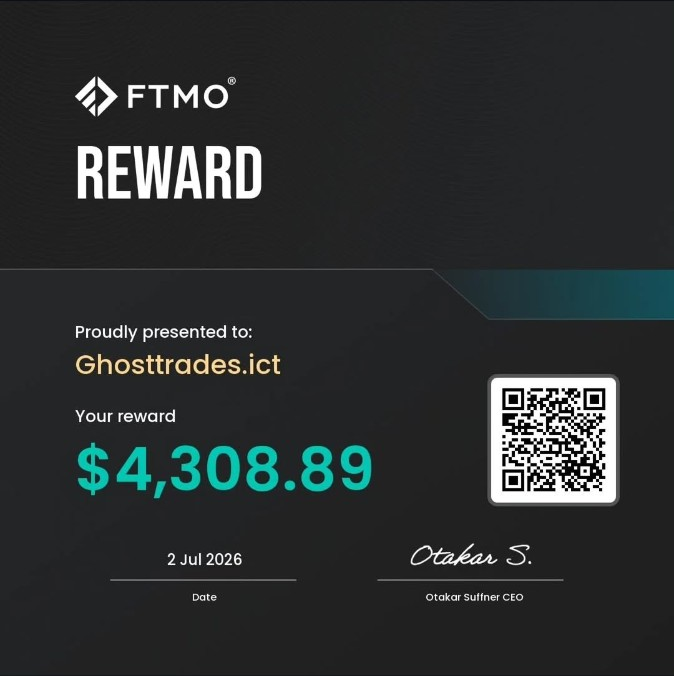
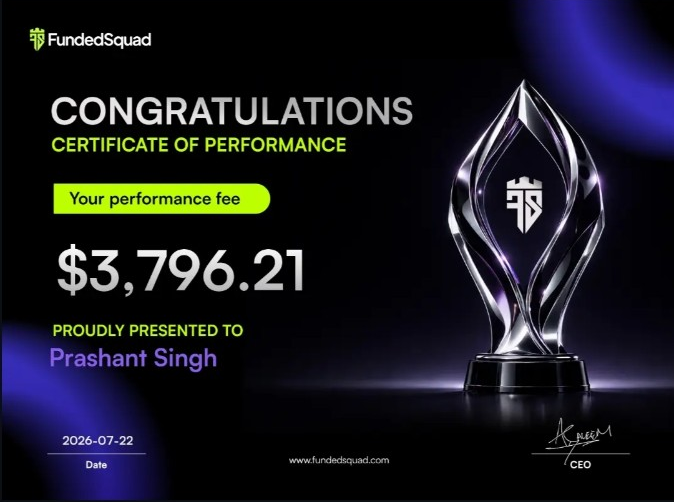
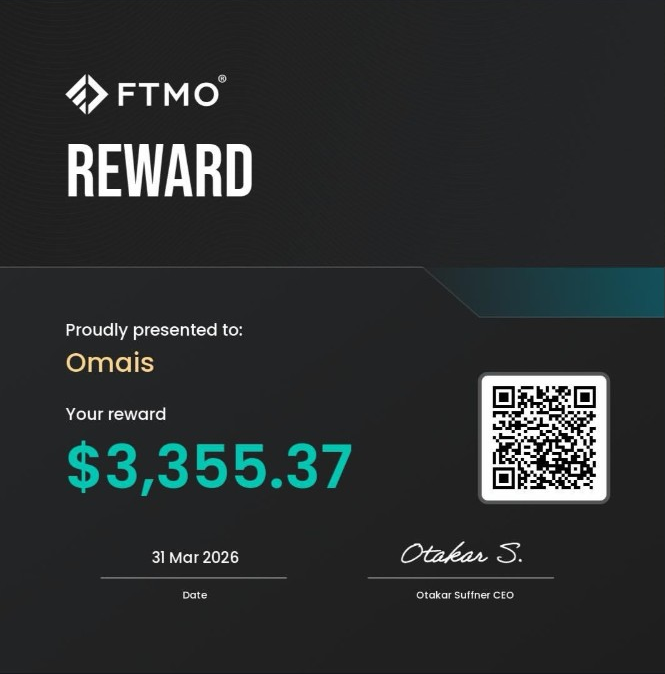
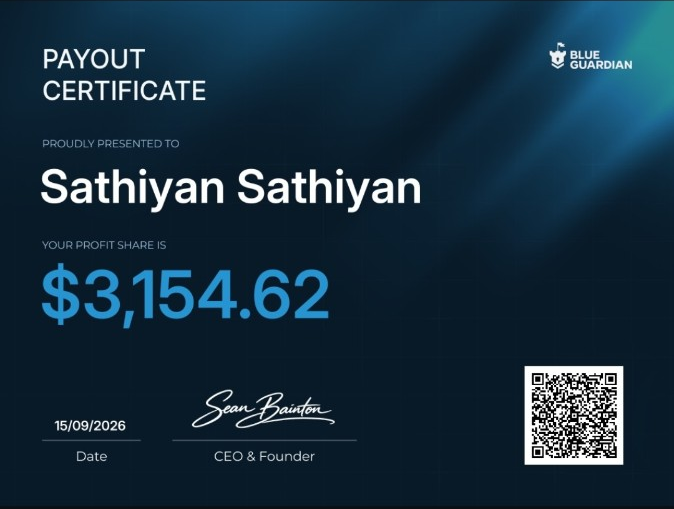
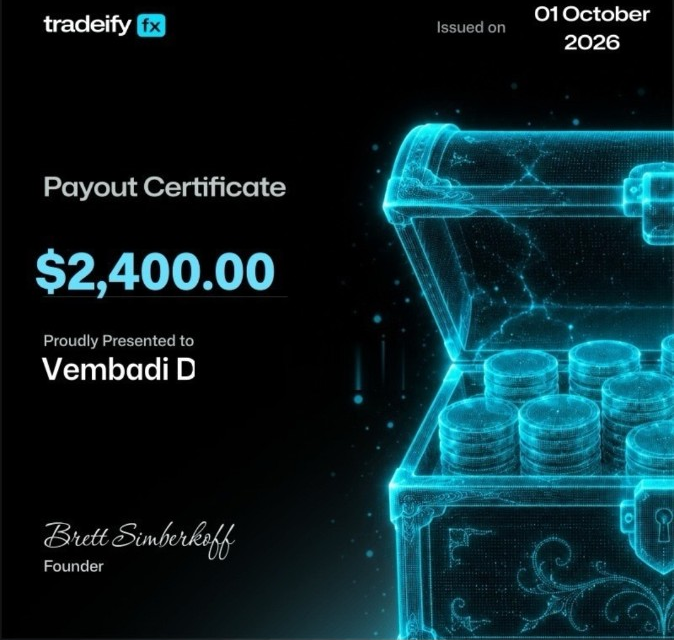
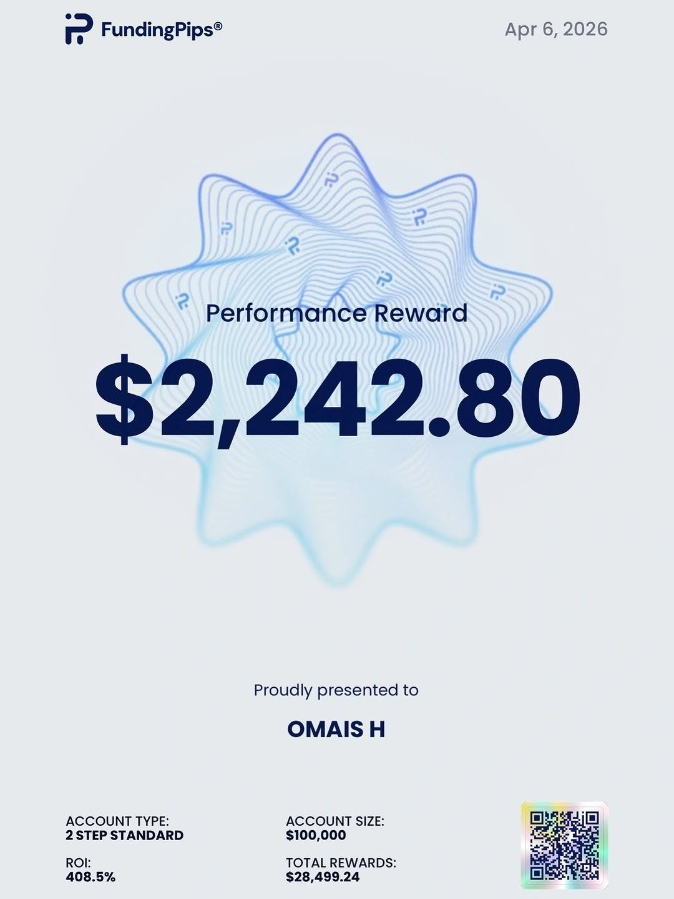
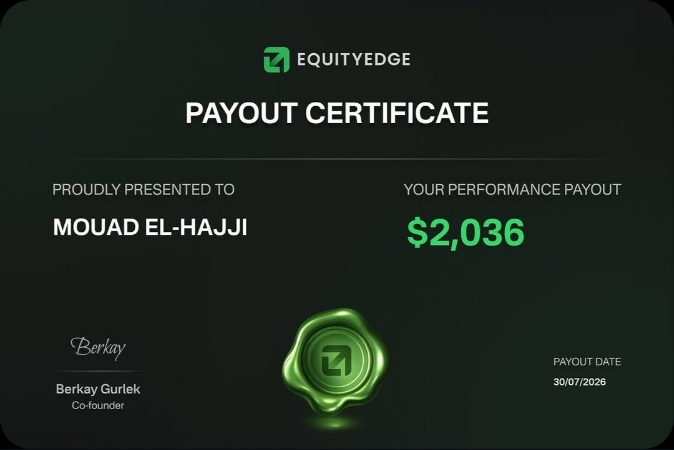
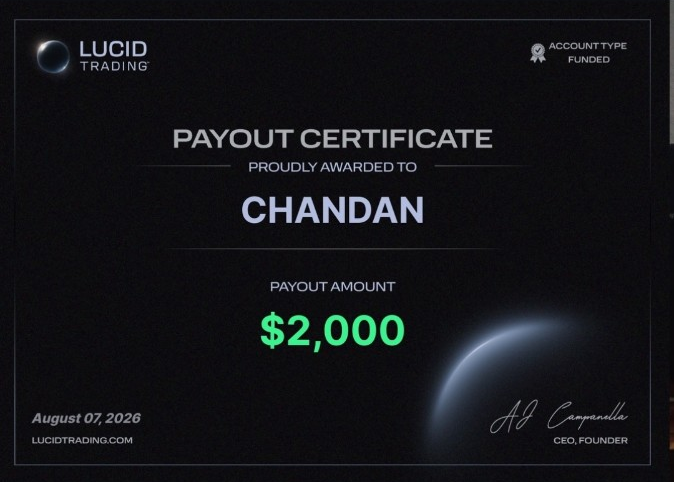
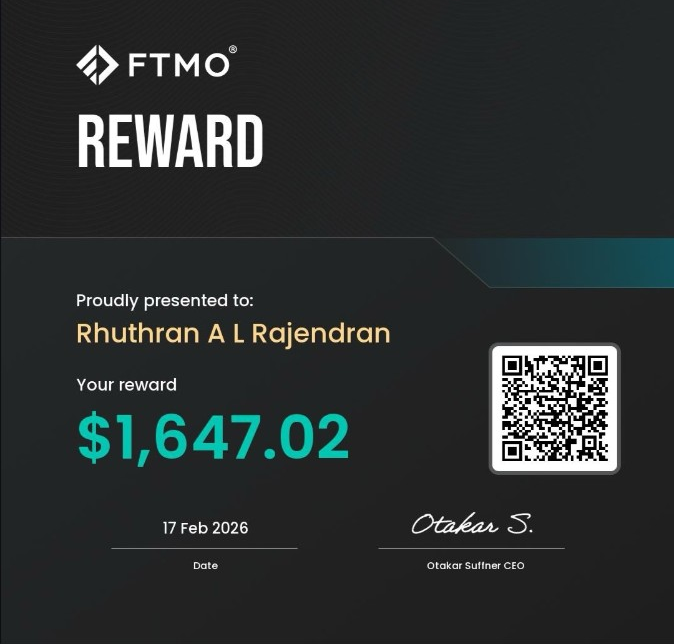
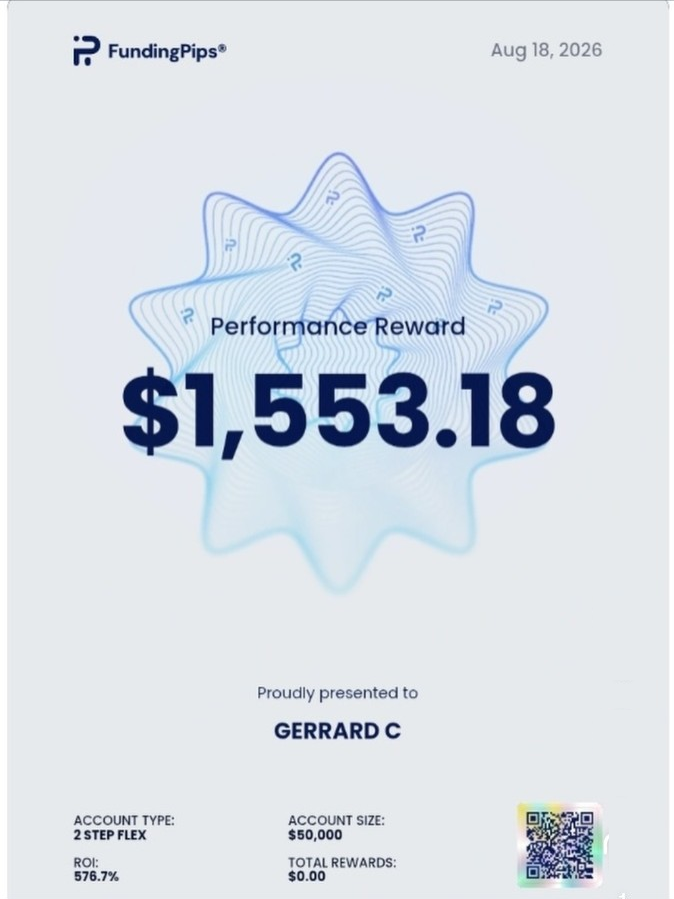
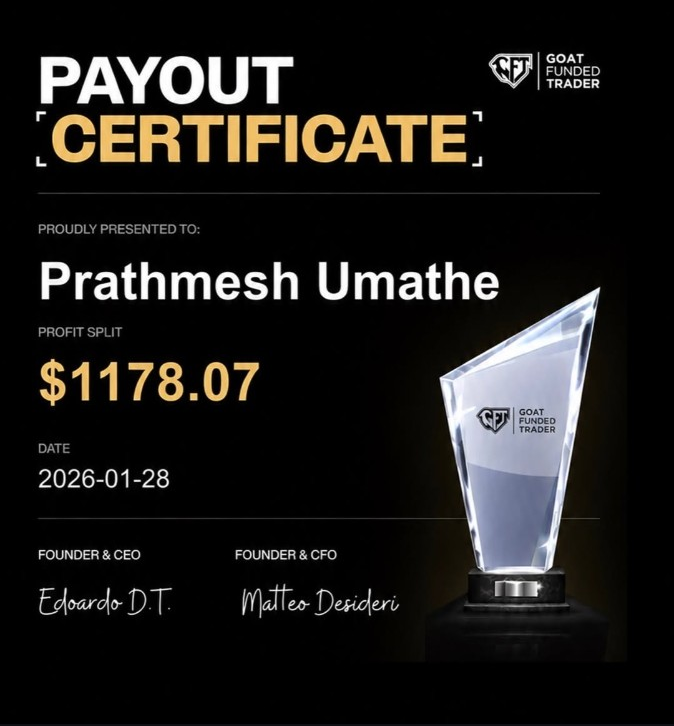
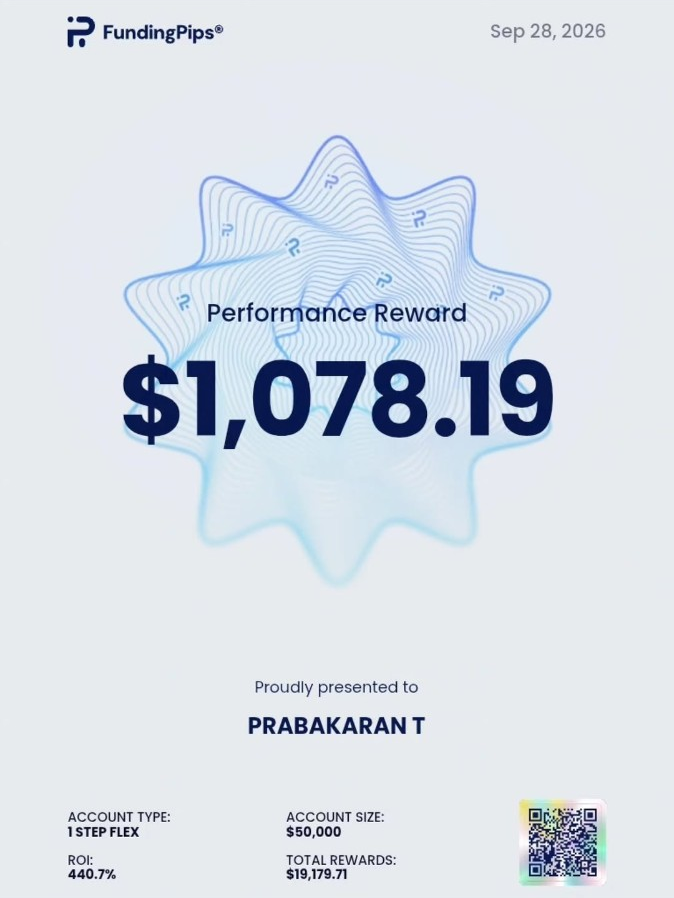
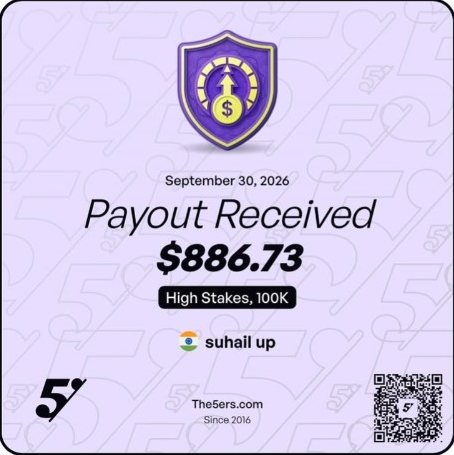
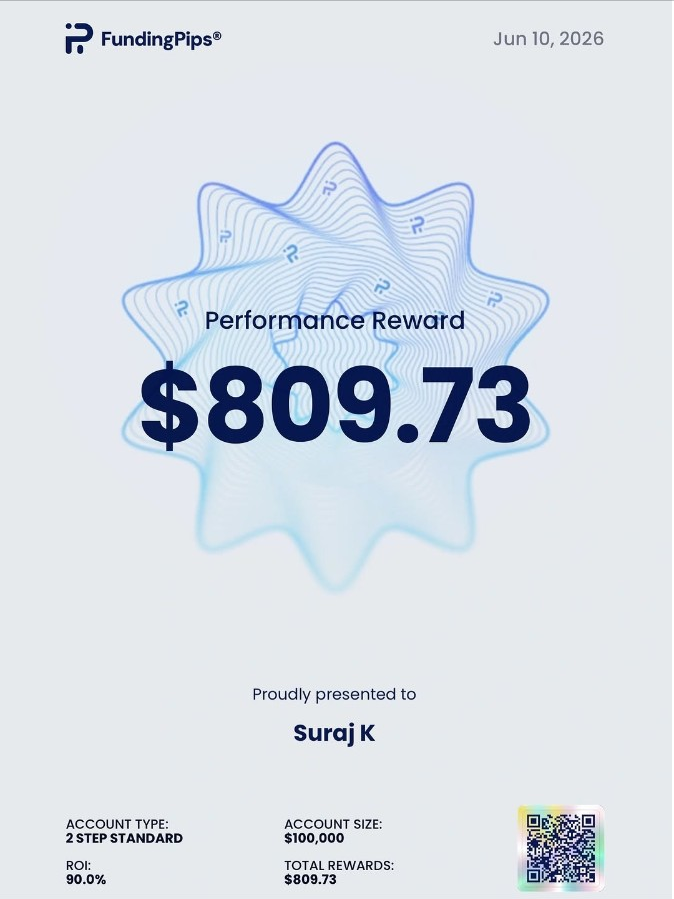
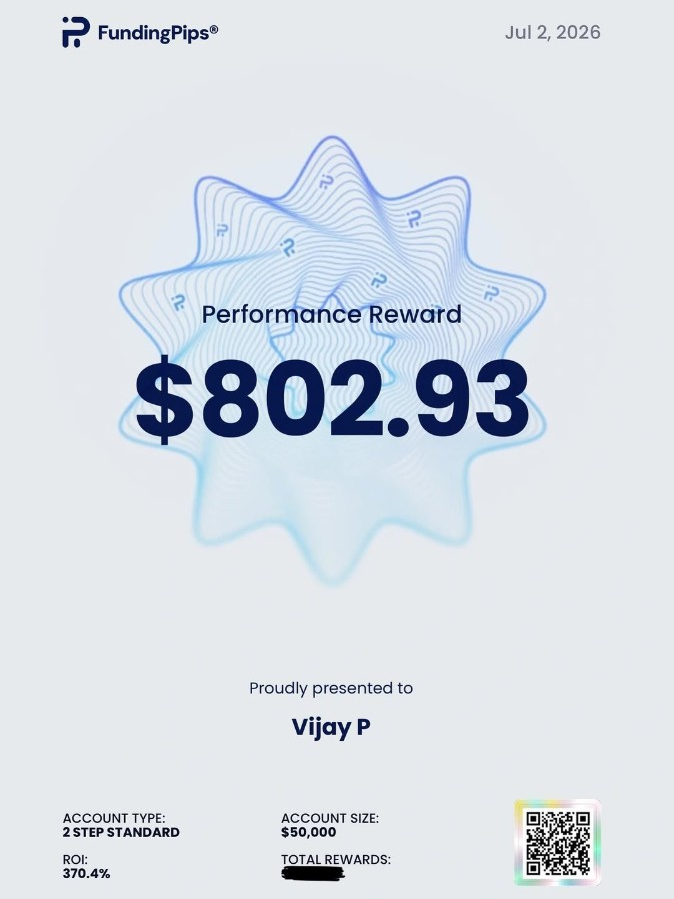
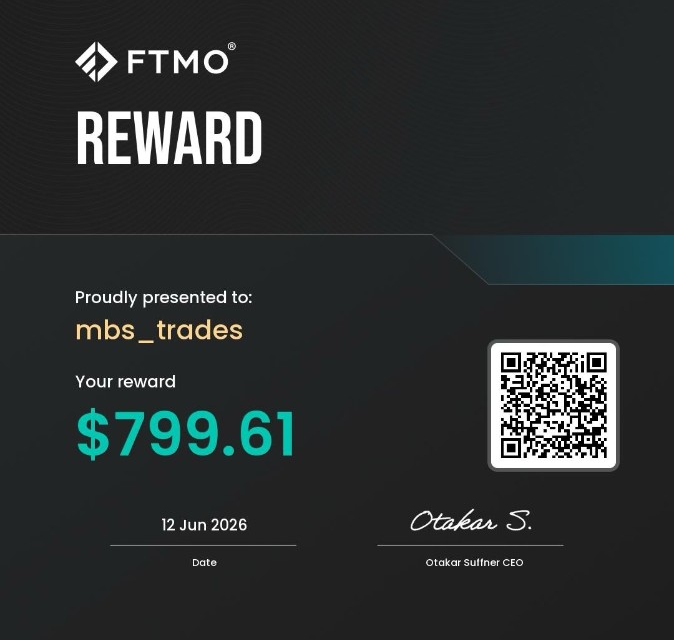
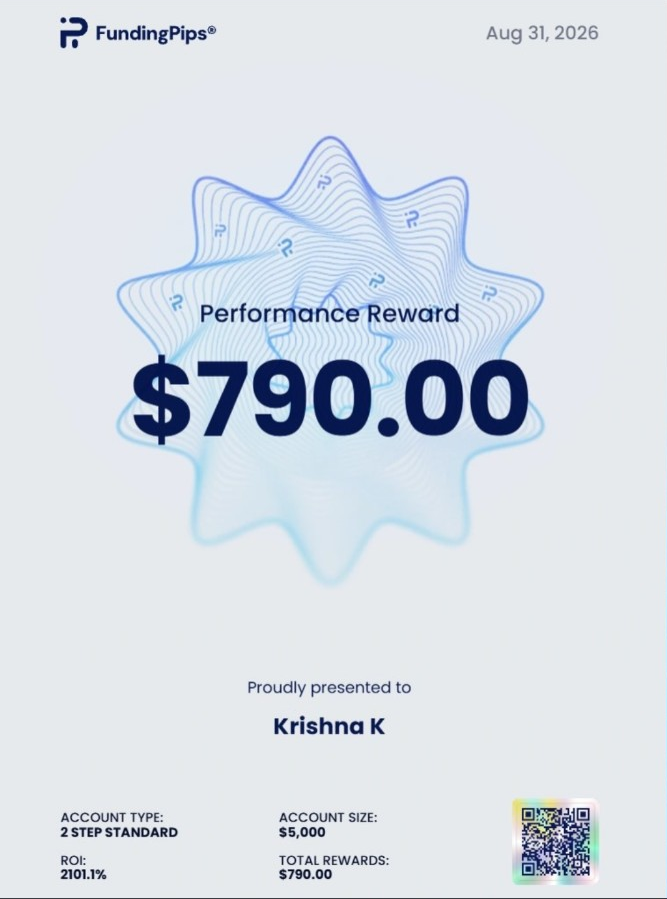
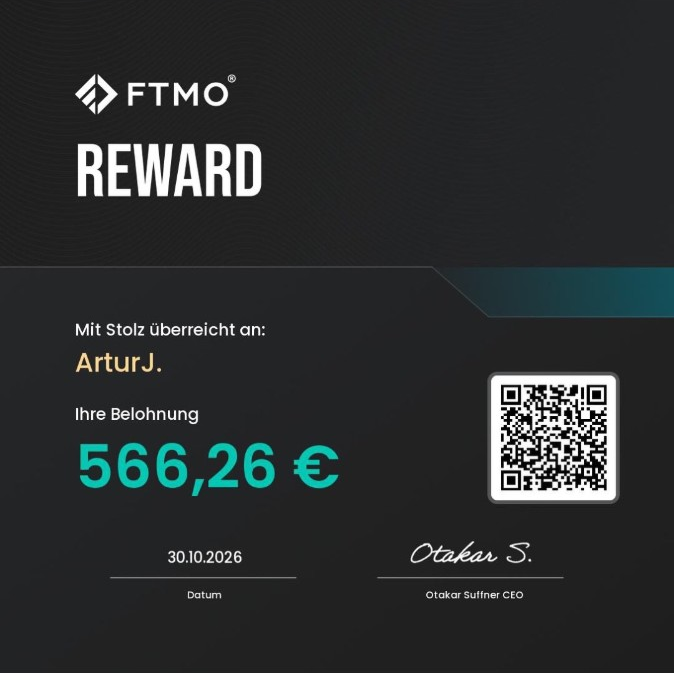
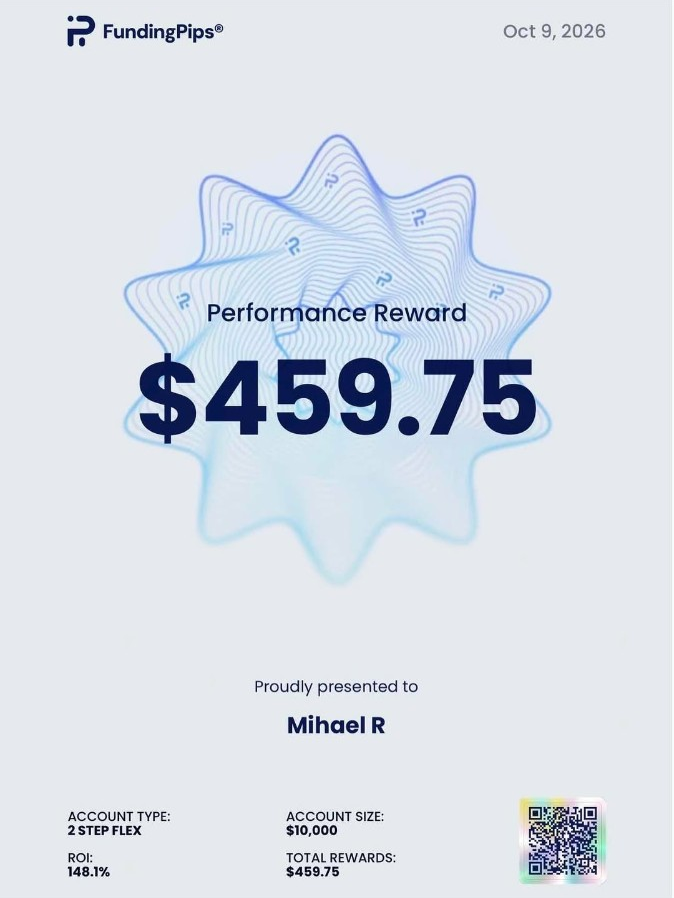
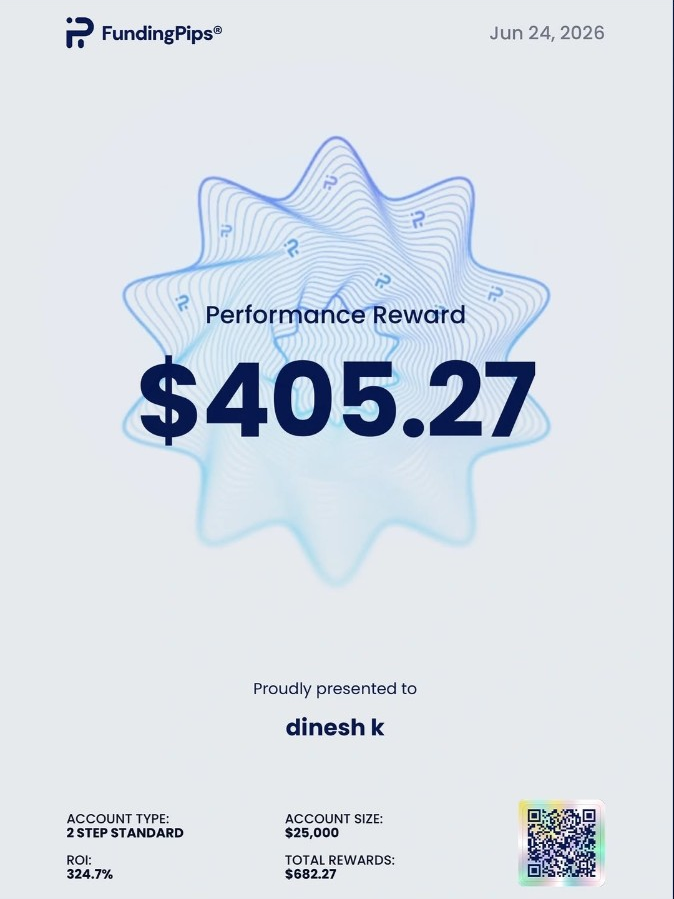
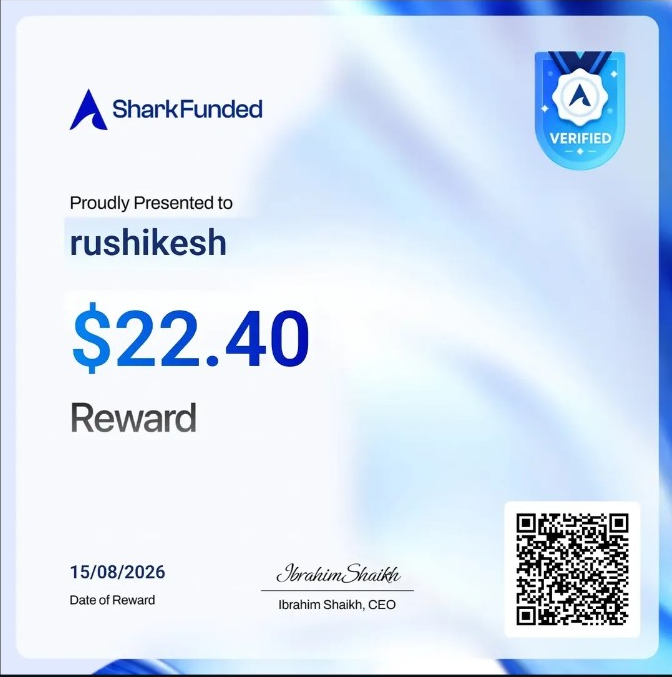
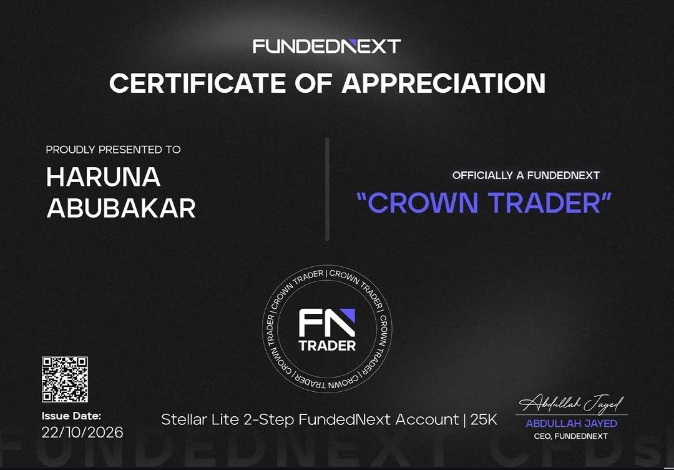
The amounts catch your eye. The originals tell you more. Step inside our collection of customer-submitted payout certificates.
Customer-submitted certificates. The headline is an approximate USD equivalent using the dated ECB rate shown above; individual certificates retain their original currencies. These records are not an audited ChatGPTFX performance statement.
We cover the API fees.
You don’t pay a separate API bill.
AI signal reviews & API usage
One product. Identical features with either payment method.
We cover the API fees.
Your MT5 setup, product support and API costs — all included.
No separate API fees. One payment to get started.
Same EA. Same features. Same support.
Only the payment method and price change.
Crypto savings are compared with the $249 card price; percentage rounded. Available coins and networks depend on the payment invoice. Taxes and network fees may apply. Broker costs and optional VPS hosting are separate. Product-fault refund policy.
Put your budget into your trading workflow. Keep the hardware simple.
THE HARDWARE UPGRADE
FOUR SCREENS. STILL ALL ON YOU.
A sharper picture doesn’t build a trading plan.
THE WORKFLOW UPGRADE
LESS CLUTTER. MORE ROOM TO BREATHE.
Use your existing Windows setup. Let the EA handle the repeatable steps.
The essentials before you connect.
Explore all FAQs ↗ChatGPTFX runs in your desktop MT5 terminal. It checks incoming gold setups against your selected settings, places eligible trades and manages them using the controls in your EA version.
No. We cover the service API costs included with your purchase. You do not need your own OpenAI API key or a ChatGPT subscription. Broker charges and optional VPS hosting are separate.
The customer package is ready to install. Copy the supplied .ex5 file into MT5, add the connection addresses, enter your activation details and load the included preset. Our installation guide walks you through each step.
Yes. Use desktop MT5 on a Windows PC, laptop or Windows VPS. Keep the terminal open, awake and connected while you want the EA to monitor and manage trades.
The EA waits for an eligible setup. Check the dashboard for paused entries, a connection issue, news restrictions, spread limits or an account limit. It will not open a trade simply because you attached it to a chart.
Yes. Review the event filter and the pause window around news in your settings. The dashboard helps you see when new entries are paused.
You can configure the EA for an eligible account. For a prop account, first confirm that the firm permits this type of software, then match the loss limits, news controls and reset time to your exact account rules.
Follow the installation guide, then contact support if you need a hand. Include your order reference, EA version and the message or screenshot shown in MT5. Keep passwords and license keys private.
Check the environment, connection and risk behavior before moving beyond a demo account.
Account rules, reset times and restrictions need checking before a preset can be useful.
An explanation of the direction, trend, pullback and entry sequence used in the ChatGPTFX workflow.